Understanding the Importance of a Clinic CRM
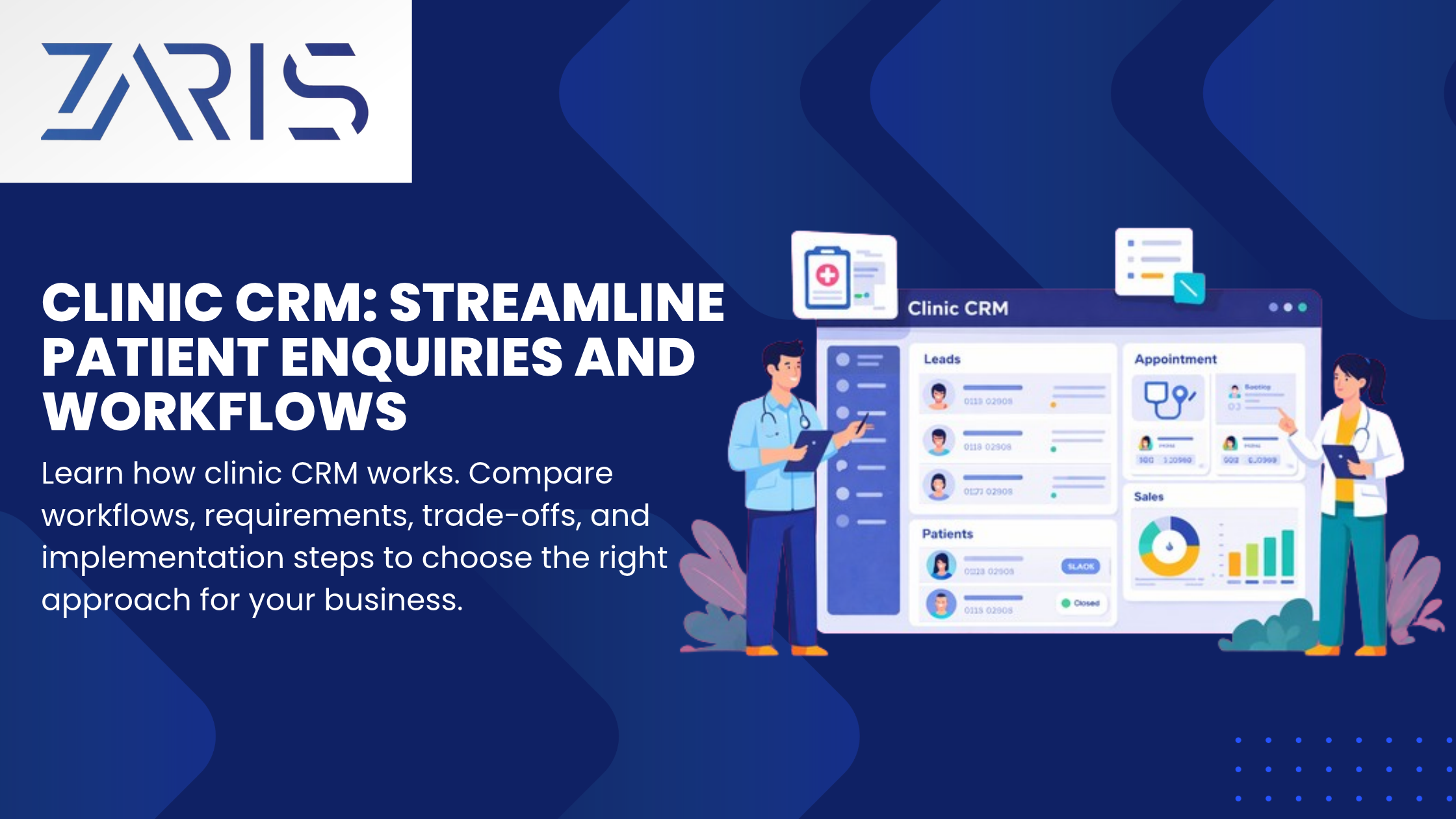
A clinic CRM (Customer Relationship Management) system is essential for healthcare providers looking to enhance patient engagement and streamline operational workflows. By integrating patient enquiries with backend processes, clinics can improve service delivery and patient satisfaction. This guide will explore the key features and benefits of implementing a clinic CRM, helping decision-makers make informed choices.
Key Features of a Clinic CRM
When selecting a clinic CRM, it’s crucial to consider the following features:
- Patient Management: Efficiently track patient information, appointments, and medical history.
- Automated Communication: Use automated reminders and follow-ups to enhance patient engagement.
- Reporting and Analytics: Generate insights on patient demographics and operational efficiency.
- Integration Capabilities: Ensure compatibility with existing systems like EHRs and billing software.
Patient Management
Effective patient management is at the core of any clinic CRM. It allows clinics to maintain comprehensive records, ensuring that all staff have access to up-to-date patient information.
Automated Communication
Automated communication tools can significantly reduce the workload on administrative staff. By sending appointment reminders and follow-up messages, clinics can improve patient attendance rates and satisfaction.
Benefits of Implementing a Clinic CRM
Implementing a clinic CRM can lead to numerous benefits, including:
- Improved Patient Experience: Streamlined processes lead to shorter wait times and better service.
- Increased Operational Efficiency: Automation reduces manual tasks, allowing staff to focus on patient care.
- Enhanced Data Security: A robust CRM system ensures patient data is securely stored and compliant with regulations.
Checklist for Choosing the Right Clinic CRM
When evaluating different clinic CRM options, consider the following checklist:
- Does it integrate with existing systems?
- Is it user-friendly for both staff and patients?
- What level of customer support is offered?
- Are there customizable features to meet specific clinic needs?
- What are the costs associated with implementation and maintenance?
FAQs about Clinic CRM
1. What is a clinic CRM?
A clinic CRM is a software solution designed to manage patient relationships and streamline operational workflows in healthcare settings.
2. How can a clinic CRM improve patient engagement?
By automating communication and providing easy access to patient information, a clinic CRM enhances engagement and satisfaction.
3. What are the costs associated with implementing a clinic CRM?
Costs can vary widely based on features, vendor, and clinic size. It’s essential to evaluate total cost of ownership.
4. Can a clinic CRM integrate with other healthcare systems?
Most modern clinic CRMs offer integration capabilities with EHRs, billing systems, and other healthcare software.
5. What should I look for in a clinic CRM vendor?
Look for vendors with a proven track record, strong customer support, and customizable solutions tailored to your clinic’s needs.
Next Steps
To explore how ZARIS Tech can help your clinic implement an effective CRM solution, visit our CRM software page for more information. Our team is ready to assist you in enhancing your patient management and operational workflows.
For further insights into AI automation services that can complement your clinic CRM, check out our AI automation services.
Practical Evaluation of Clinic CRM Solutions
When selecting a clinic CRM, it is essential to conduct a thorough evaluation to ensure that the chosen solution meets the specific needs of your practice. Here are some key criteria to consider:
- Feature Set: Assess the features offered by the CRM, such as patient management, appointment scheduling, billing integration, and reporting capabilities. Make a checklist of must-have features versus nice-to-have features.
- User Experience: Evaluate the user interface and overall user experience. A CRM that is intuitive and easy to navigate can significantly reduce training time and improve staff adoption.
- Integration Capabilities: Check if the CRM can integrate with existing systems, such as electronic health records (EHR) and billing software. Seamless integration can streamline workflows and improve data accuracy.
- Scalability: Consider whether the CRM can grow with your clinic. As your practice expands, you may need additional features or user licenses.
- Customer Support: Investigate the level of customer support provided by the vendor. Reliable support can be crucial during implementation and for ongoing maintenance.
- Cost: Analyze the pricing structure, including any hidden fees for additional features or support. Compare the total cost of ownership over time.
By using this checklist, you can systematically evaluate different clinic CRM solutions and make an informed decision that aligns with your clinic’s goals.
Implementation and Workflows
Implementing a clinic CRM requires careful planning and execution to ensure that it enhances your clinic’s workflows rather than complicating them. Here are steps to consider during the implementation phase:
- Define Objectives: Clearly outline what you hope to achieve with the CRM. This could include improving patient communication, increasing appointment bookings, or enhancing data reporting.
- Involve Stakeholders: Engage key stakeholders, including administrative staff, healthcare providers, and IT personnel, in the planning process. Their input can help identify potential challenges and ensure buy-in.
- Data Migration: Plan for the migration of existing patient data into the new CRM. Ensure that data is cleaned and formatted correctly to avoid issues during the transition.
- Training: Provide comprehensive training for all users. This should include hands-on sessions and access to resources, such as user manuals and video tutorials.
- Monitor and Adjust: After implementation, continuously monitor the CRM’s performance and gather feedback from users. Be prepared to make adjustments to workflows or provide additional training as needed.
By following these steps, you can ensure a smooth implementation process that maximizes the benefits of your clinic CRM.
Common Mistakes or Trade-offs in Clinic CRM Adoption
While adopting a clinic CRM can bring numerous benefits, there are common pitfalls that clinics should be aware of to avoid costly mistakes:
- Neglecting User Input: Failing to involve staff in the selection and implementation process can lead to resistance and low adoption rates. Ensure that users feel their needs are considered.
- Overcomplicating Processes: Some clinics may try to customize the CRM too much, leading to complex workflows that can confuse staff. Strive for simplicity and efficiency in your processes.
- Ignoring Compliance: Ensure that the chosen CRM complies with healthcare regulations, such as HIPAA. Non-compliance can lead to legal issues and jeopardize patient trust.
- Underestimating Training Needs: Insufficient training can hinder the effective use of the CRM. Allocate adequate time and resources for training to ensure that all users are comfortable with the system.
- Focusing Solely on Cost: While budget considerations are important, choosing a CRM solely based on price can lead to suboptimal functionality. Evaluate the overall value and return on investment.
By being aware of these common mistakes, clinics can make more informed decisions and successfully leverage their clinic CRM to improve patient care and operational efficiency.
For more insights on CRM solutions, visit Zaristech CRM Software. Additionally, explore how AI automation services can further enhance your clinic’s operational capabilities.