Skip to content
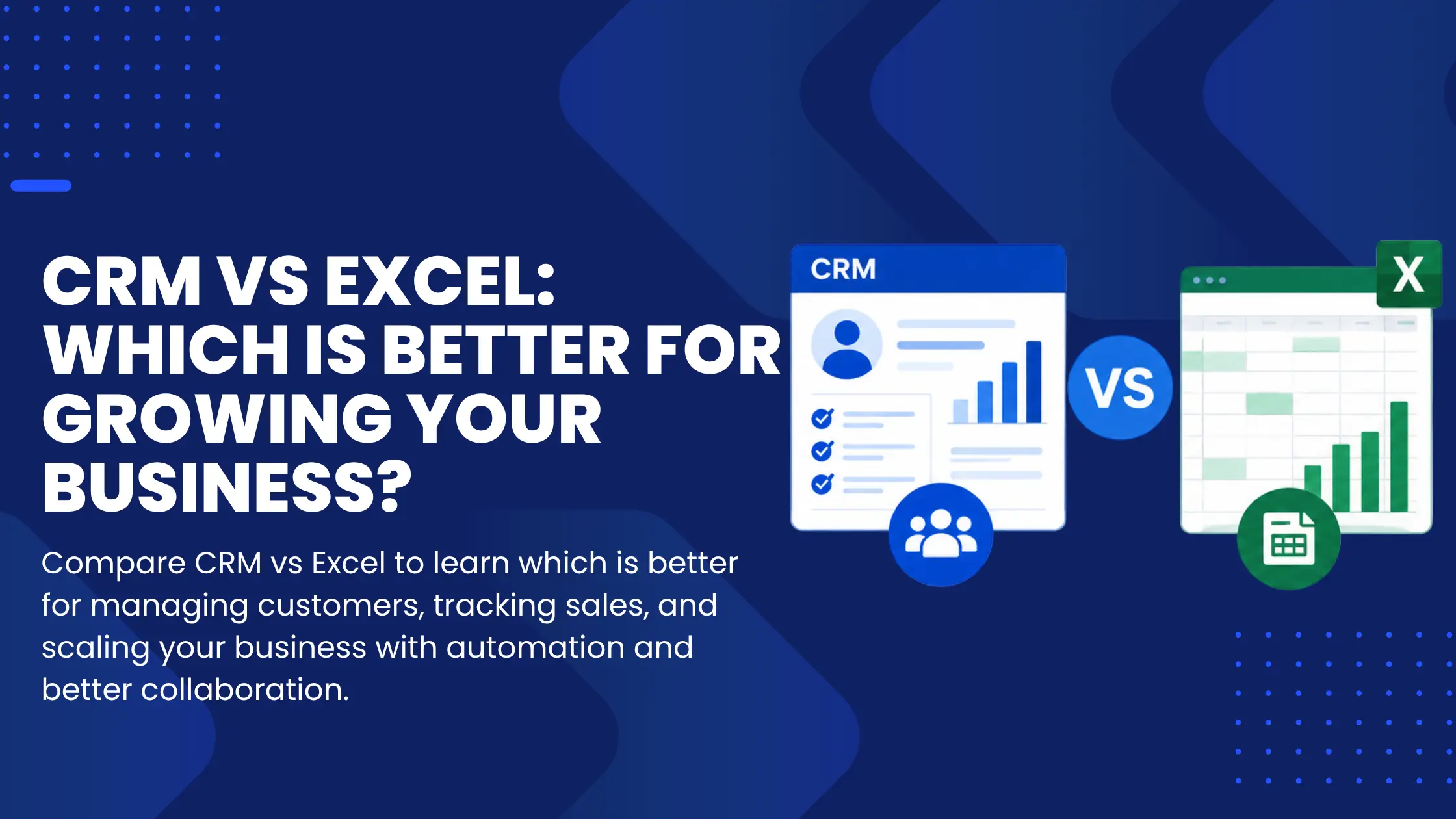
CRM vs Excel is one of the most common comparisons growing businesses make when deciding how to manage customer relationships and sales operations. While Excel and Google Sheets are familiar, flexible, and inexpensive, they are often the default choice for tracking customers, managing leads, and organizing sales data during the early stages of a business.
As your company grows, customer interactions increase, teams expand, and sales processes become more complex. At that point, spreadsheets begin to reveal their limitations. What once kept everything organized can gradually become a source of confusion, missed opportunities, duplicate data, and operational inefficiencies.
The difference isn’t that Excel is a poor tool it isn’t. Excel is excellent for organizing data and performing calculations. However, spreadsheets are designed to manage information, while CRM software is built to manage customer relationships, automate workflows, and support business growth. Understanding the difference between CRM vs Excel can help you choose the right solution for scaling your business.
Excel Works Well Until It Doesn’t
Excel remains one of the most powerful data management tools available. It excels at calculations, reporting, budgeting, and organizing structured information. Many businesses continue using spreadsheets because they are easy to customize and require little initial investment.
The challenge appears when customer relationships become the center of daily operations. Sales teams need more than rows and columns. They need visibility, collaboration, automation, and consistency capabilities spreadsheets were never designed to provide.
The Hidden Costs of Managing Customer Relationships in Excel
Data Fragmentation Creates Confusion
As businesses grow, so do spreadsheet versions.
Files quickly become difficult to manage:
- Sales_Final.xlsx
- Sales_Final_v2.xlsx
- Sales_Final_v3_Updated.xlsx
- Sales_Latest_FINAL_UseThisOne.xlsx
Nobody is entirely certain which version contains the latest customer information. Different employees may update different files simultaneously, creating duplicate records and conflicting information.
Without a single source of truth, valuable time is spent verifying data instead of serving customers.
Manual Updates Consume Valuable Time
Every customer interaction requires someone to manually update the spreadsheet.
That includes:
- Logging phone calls
- Recording emails
- Updating deal stages
- Scheduling follow-ups
- Assigning leads
- Tracking customer notes
Manual processes increase the likelihood of human error. A forgotten follow-up or missed status update may seem minor, but repeated mistakes can directly impact revenue and customer satisfaction.
As workloads increase, administrative tasks often receive less attention than customer conversations, creating gaps in the sales process.
Spreadsheets Capture History, Not Relationships
Excel provides a snapshot of stored information, but it offers very little context around customer engagement.
A spreadsheet can tell you:
- Who the customer is
- When they last purchased
- Contact details
- Deal value
What it cannot easily show is:
- Every email exchanged
- Previous phone conversations
- Meeting history
- Customer concerns
- Future follow-up tasks
- Relationship progression over time
Customer relationships are dynamic. Static spreadsheets struggle to reflect that ongoing activity, making it difficult for teams to understand where each opportunity stands.
Security and Data Ownership Become Bigger Risks
Customer information is among a company’s most valuable assets.
When data exists inside downloadable spreadsheets, several risks emerge:
- Files can be emailed accidentally.
- Employees may store copies on personal devices.
- Outdated files continue circulating internally.
- Sensitive customer information can be exposed if devices are lost or compromised.
As organizations expand, controlling access and maintaining data security becomes increasingly difficult without centralized permissions and audit trails.
Why a CRM Is Built for Growth
A CRM transforms customer management from a collection of disconnected records into a connected business process.
Instead of functioning as a database alone, it becomes the operational hub for sales, marketing, and customer success.
A Single Source of Truth
Every customer interaction is stored within one centralized profile.
Teams can instantly view:
- Emails
- Phone calls
- Meetings
- Notes
- Tasks
- Purchase history
- Support interactions
Whether a salesperson speaks with a prospect today or another team member follows up next week, everyone works from the same accurate information.
This eliminates duplicate work while creating a consistent customer experience.
Complete Visibility into the Sales Pipeline
Sales managers need more than lists of opportunities they need visibility.
Modern CRM dashboards provide a clear picture of:
- Active opportunities
- Sales stages
- Conversion rates
- Forecasted revenue
- Individual team performance
- Bottlenecks within the pipeline
Rather than manually building reports, decision-makers can monitor business performance in real time and make informed adjustments before problems grow.
Automation Eliminates Repetitive Work
One of the greatest advantages of CRM software is automation.
Instead of relying on employees to remember every task, the system handles repetitive workflows automation.
Examples include:
- Lead assignment
- Follow-up reminders
- Automated email sequences
- Task creation
- Status updates
- Customer notifications
- Workflow approvals
Automation reduces administrative effort while ensuring important opportunities never slip through the cracks.
A Platform That Grows Alongside the Business
Business growth introduces new software requirements.
Marketing teams need campaign tools.
Finance teams require accounting integrations.
Customer support relies on ticket management systems.
Most modern CRM platforms integrate seamlessly with these applications, creating connected workflows across the organization.
Rather than maintaining isolated systems, information moves automatically between departments, improving efficiency and reducing duplicated effort.
When Is It Time to Move Beyond Excel?
Many businesses wait too long before adopting a CRM.
If several of these situations sound familiar, the transition may already be overdue.
Quick Self-Assessment Checklist
- Your sales team has grown beyond two or three people.
- Multiple employees update customer information every day.
- You regularly lose track of follow-up activities.
- Customer information exists across several spreadsheets.
- Revenue forecasting is largely based on estimates.
- Reporting requires significant manual effort.
- You struggle to calculate accurate conversion rates.
- Important customer conversations are scattered across emails and notes.
- Business growth is making customer management increasingly difficult.
If several boxes are checked, the limitations are likely no longer caused by your team—they are caused by the tools supporting them.
CRM vs. Excel: A Quick Comparison
Here is the quick comparison of CRM vs. Excel:
| Feature | Excel | CRM |
|---|
| Customer Database | ✓ | ✓ |
| Team Collaboration | Limited | Excellent |
| Activity Tracking | Manual | Automatic |
| Sales Pipeline Management | Basic | Advanced |
| Workflow Automation | No | Yes |
| Revenue Forecasting | Manual | Real-Time |
| Security & User Permissions | Limited | Advanced |
| Business Integrations | Minimal | Extensive |
| Scalability | Limited | Built for Growth |
Final Thoughts
Excel remains an outstanding tool for organizing information, analyzing numbers, and managing structured data. For startups and very small teams, it often provides everything needed during the earliest stages of growth.
Scaling a business, however, requires more than organized spreadsheets. It requires visibility into customer relationships, repeatable sales processes, reliable collaboration, and automation that allows teams to focus on selling rather than administration.
A CRM shifts customer management from passive record-keeping to active business growth. Every interaction becomes accessible, every opportunity becomes measurable, and every process becomes more consistent.
Investing in a CRM is not simply replacing a spreadsheet. It is building the operational foundation that allows a business to scale confidently, strengthen customer relationships, and support sustainable long-term growth.