 Skip to content
Terms and Conditions
- Home
- Zaris Features
- Terms and Conditions
Terms and Conditions Module – User Guide
The Terms and Conditions module in Zaris CRM allows you to set up default terms for your business documents, ensuring consistency and saving time.
Go to Settings → Inventory → Terms and Conditions to configure and manage your company’s Terms and Conditions setup.
1. Select Module
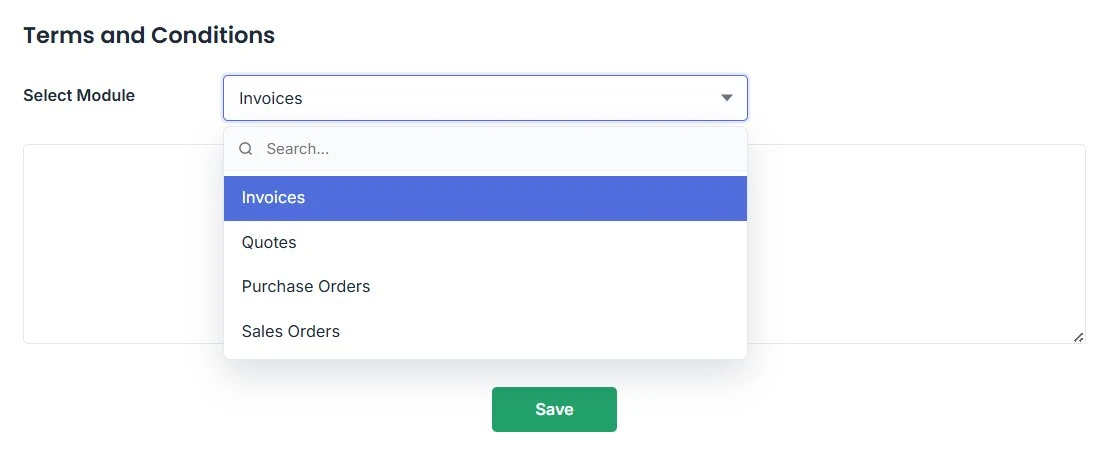
Use the Select Module dropdown to choose the document type where you want to apply terms and conditions — such as Invoices, Quotes, Purchase Orders or Sales Orders.
- Invoices — payment and VAT terms on every customer bill.
- Quotes — proposal terms before an order is confirmed.
- Purchase Orders — supplier-facing terms for procurement.
- Sales Orders — order confirmation terms for fulfillment.
2. Add or Edit Terms
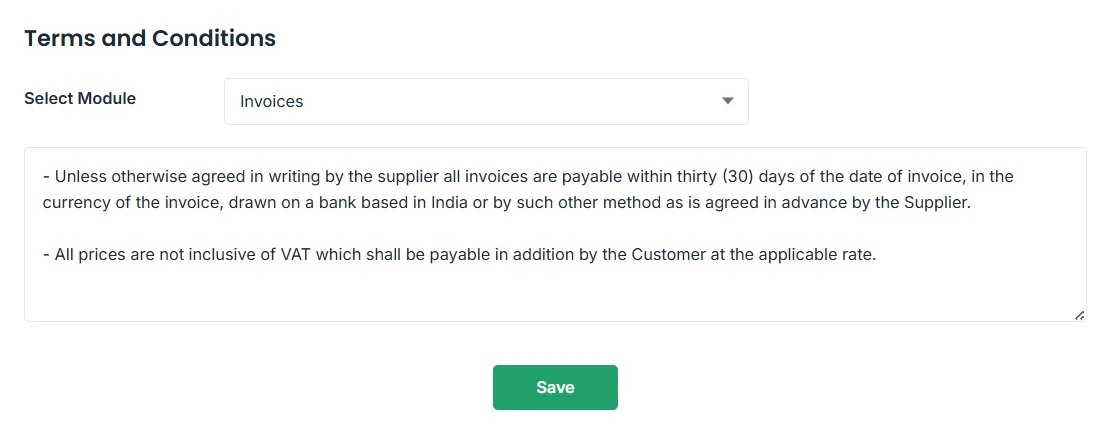
After selecting the module, enter your company’s terms and conditions in the text box provided. You can create new terms or edit existing ones as needed then click Save.
3. Automatic Application
Once saved, these terms will automatically appear in all future documents of the selected type. For example, terms defined for Invoices will automatically populate on every new invoice you create.
- No manual copy-paste terms flow into new Quotes, Invoices, Sales Orders and Purchase Orders.
- Update once in Settings and every future document reflects the latest version.
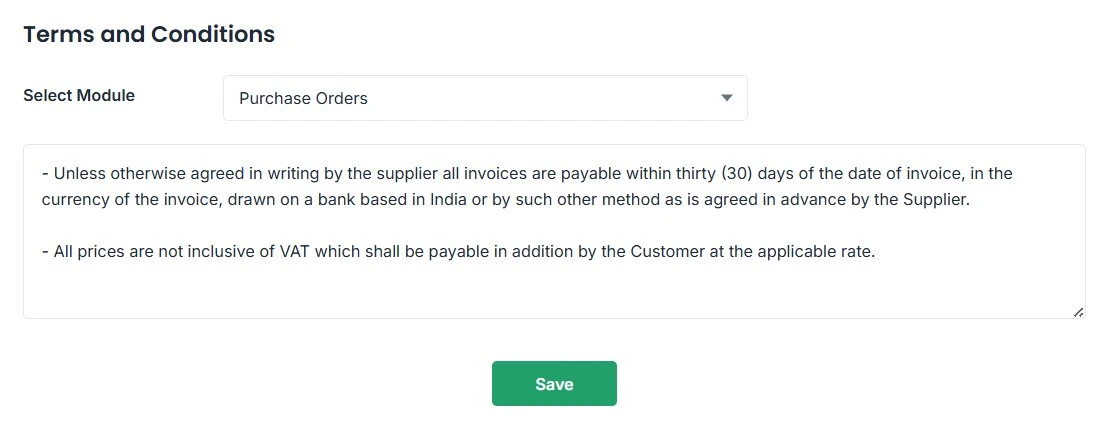
- Each module keeps its own terms so invoice language can differ from purchase order language.
Best Practices & Quick Tips
Write terms that are clear, compliant and easy for clients and suppliers to understand.
Keep Terms Clear & Concise
Use simple, professional language to ensure your clients easily understand payment terms, delivery timelines, and refund policies.
Customize by Document Type
Tailor your terms for each module (like invoices or purchase orders) to match its specific business needs.
Review Regularly
Periodically update your terms to stay compliant with changing company policies or legal requirements.
Use Formatting Wisely
Highlight key points like due dates or penalties using bold or bullet points for better readability.
