Skip to content
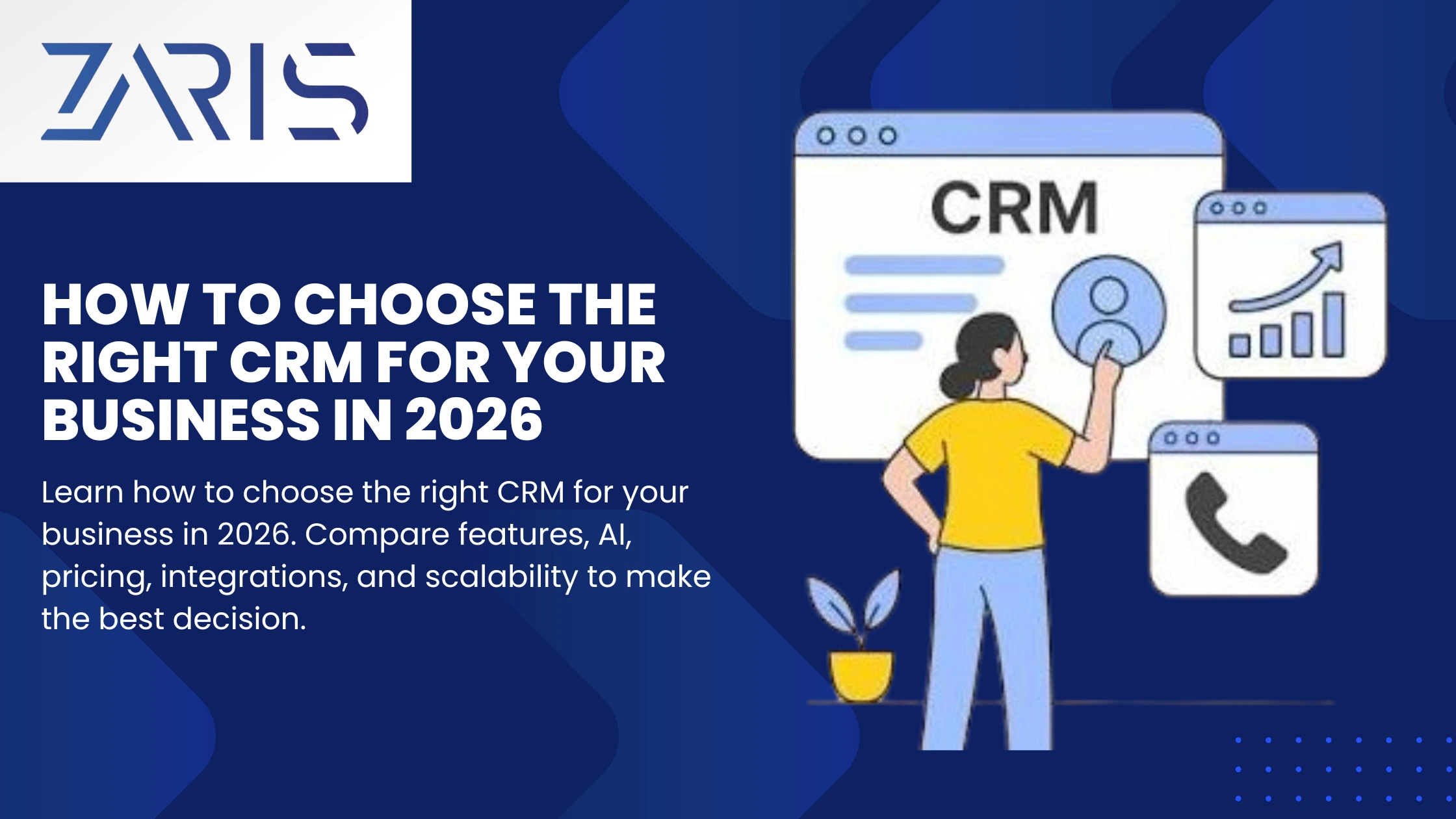
How to Choose the Right CRM is one of the most important decisions a business can make in 2026. The right Customer Relationship Management (CRM) software is no longer just a tool for organizing contacts it has evolved into an intelligent business platform that connects sales, marketing, customer support, operations, and artificial intelligence (AI) into one unified ecosystem.
The challenge isn’t finding a CRM it’s finding the one that fits your business today while remaining valuable as you grow.
With hundreds of CRM platforms available, many businesses end up paying for features they never use or choosing software they quickly outgrow.
This guide walks you through a proven framework for evaluating CRM software based on your business goals, budget, scalability, integrations, and long-term growth.
Why Choosing the Right CRM Matters
Knowing how to choose the right CRM allows organizations to improve productivity, strengthen customer relationships, and maximize their technology investment.
Your CRM becomes the central hub for customer data.
A good CRM helps you:
- Track every customer interaction
- Improve sales performance
- Automate repetitive work
- Generate accurate forecasts
- Improve customer service
- Increase customer retention
- Make data-driven decisions
- Enable AI-powered productivity
The wrong CRM often leads to:
- Poor user adoption
- Duplicate customer data
- Manual processes
- Expensive migrations later
- Lost sales opportunities
- Low ROI
Choosing correctly from the beginning saves significant time and money.
Step 1: Understand Your Business Goals
Before comparing software, identify what problem you’re trying to solve.
Ask questions like:
- Are we struggling to track leads?
- Do we need better sales reporting?
- Is customer data scattered across multiple systems?
- Are follow-ups inconsistent?
- Do we need marketing automation?
- Are we scaling rapidly?
- Do we want AI assistance?
Your answers determine which CRM capabilities matter most.
For example:
- A startup may prioritize affordability and ease of use.
- A growing SaaS company may need automation and subscription management.
- A manufacturing company may require ERP integration.
- An enterprise may prioritize governance, security, and customization.
Step 2: Map Your Sales Process
Your CRM should match how your team actually sells.
Document:
- Lead generation
- Qualification Opportunity management
- Proposal creation Negotiation
- Closing Customer
- onboarding Renewal process
Look for CRMs that support:
- Custom sales pipelines
- Multiple pipeline views
- Deal stages
- Task automation
- Activity tracking
- Sales forecasting
The closer the CRM matches your workflow, the less customization you’ll need.
Step 3: Identify Must-Have Features
Not every business needs every feature.
Separate your requirements into categories.
Essential CRM Features
Almost every business benefits from:
- Contact management
- Lead management
- Account management
- Sales pipeline
- Email integration
- Calendar sync
- Task management
- Reporting dashboards
- Mobile access
- Workflow automation
Advanced Features
Growing businesses may also need:
- AI-powered sales assistance
- Predictive lead scoring
- Email sequence automation
- Customer journey tracking
- Document management
- Digital signatures
- Revenue forecasting
- Territory management
- Customer portals
- Quote generation
AI Features to Look For in 2026
Modern CRMs increasingly include AI that can improve productivity and decision-making.
Consider platforms that offer:
- AI-generated email drafts
- Meeting summaries
- Conversation intelligence
- Opportunity insights
- Forecast predictions
- Natural language reporting
- Automated data entry
- AI chat assistants
- Lead prioritization
- Next-best-action recommendations
AI should reduce manual work not create more complexity.
Step 4: Evaluate Scalability
Your CRM should support future growth.
Think about:
Users
Can the platform handle:
- 5 users?
- 50 users?
- 500 users?
Customers
Can it manage:
- Thousands of contacts?
- Millions of records?
Automation
As your business grows, automation becomes essential.
Look for:
- Unlimited workflows
- Trigger-based automation
- Approval workflows
- Multi-step processes
Customization
Your CRM should allow:
- Custom fields
- Custom modules
- Custom dashboards
- Custom reports
These capabilities reduce the need to switch platforms later.
Step 5: Consider Your Budget Carefully
Many businesses focus only on the monthly subscription cost.
The real cost of a CRM includes:
- Licensing
- Implementation
- Data migration
- Employee training
- Integrations
- Customization
- Ongoing support
- Premium AI features
- Add-ons
Sometimes a slightly more expensive CRM delivers a lower total cost of ownership because it requires less customization and maintenance.
Step 6: Check Integration Capabilities
Your CRM should work seamlessly with the tools your business already uses.
Common integrations include:
Communication
- Gmail
- Outlook
- Microsoft Teams
- Slack
Marketing
- Email marketing platforms
- Advertising platforms
- Marketing automation tools
Accounting
- QuickBooks
- Xero
- ERP systems
E-commerce
- Shopify
- WooCommerce
- Magento
Customer Support
- Helpdesk software
- Live chat
- Knowledge bases
Productivity
- Google Workspace
- Microsoft 365
- Project management software
The fewer manual imports and exports your team performs, the more valuable your CRM becomes.
Step 7: Think About Industry Requirements
Different industries have different CRM needs.
Healthcare
Look for:
- Compliance features
- Secure data handling
- Appointment management
Real Estate
Useful features include:
- Property management
- Lead routing
- Document storage
Manufacturing
Consider:
- ERP integration
- Inventory visibility
- Distributor management
Financial Services
Prioritize:
- Compliance
- Audit logs
- Advanced permissions
SaaS Companies
Look for:
- Subscription tracking
- Customer success tools
- Renewal management
- Product usage insights
Retail & E-commerce
Helpful capabilities include:
- Customer segmentation
- Purchase history
- Loyalty program integration
- Marketing automation
Step 8: Evaluate Ease of Use
A CRM only delivers value if your team actually uses it.
Look for:
- Clean interface
- Fast navigation
- Mobile accessibility
- Minimal learning curve
- Simple record creation
- Easy reporting
Request demos and let real users test the software before making a decision.
High adoption often matters more than having hundreds of advanced features.
Step 9: Review Security and Compliance
Customer data is one of your company’s most valuable assets.
Evaluate:
• Role-based permissions
• Two-factor authentication (2FA)
• Data encryption
• Backup and recovery
• Audit logs
• Single Sign-On (SSO)
• Compliance certifications
• Data residency options
Security becomes increasingly important as your customer base grows.
Step 10: Evaluate Reporting and Analytics
Decision-makers rely on CRM data every day.
Look for:
- Real-time dashboards
- Sales forecasting
- Pipeline analytics
- Conversion reports
- Activity reports
- Customer lifecycle reports
- Revenue analytics
- AI-powered insights
The best CRM platforms help teams identify trends before they become problems.
Step 11: Consider Customer Support and Training
Implementation doesn’t end after purchase.
Choose a vendor that provides:
- Knowledge base
- Video tutorials
- Live chat
- Email support
- Phone support
- Onboarding assistance
- Community forums
- Certification programs
Strong vendor support can significantly reduce implementation time and improve user adoption.
Step 12: Test Before You Commit
Never choose a CRM based solely on feature lists.
Use free trials or pilot programs to evaluate:
- Ease of setup
- User experience
- Workflow compatibility
- Reporting capabilities
- Mobile performance
- Automation
- Integration quality
- AI features
Gather feedback from sales, marketing, support, and management before making a final decision.
Common Mistakes to Avoid
Many CRM implementations fail because businesses:
- Choose software based only on price
- Ignore scalability
- Skip user testing
- Over-customize early
- Underestimate training needs
- Neglect integration planning
- Fail to define business goals
- Purchase enterprise software they don’t actually need
Avoiding these mistakes can save months of rework and unnecessary costs.
CRM Evaluation Checklist
Before making your final decision, confirm that the CRM:
- Aligns with your business goals
- Supports your sales process
- Includes essential features
- Offers useful AI capabilities
- Fits your budget
- Scales with your business
- Integrates with existing tools
- Meets industry requirements
- Is easy for your team to use
- Provides strong security
- Delivers actionable reporting
- Includes reliable customer support
If you can confidently check every box, you’re likely selecting a CRM that will continue delivering value as your business grows.
Final Thoughts
The best CRM isn’t necessarily the one with the most features it’s the one that best supports your workflows, integrates with your existing systems, and can scale alongside your business.
By evaluating business goals, core functionality, AI capabilities, scalability, integrations, security, and total cost of ownership, you can make an informed decision that improves productivity, strengthens customer relationships, and positions your organization for long-term success.
Invest time in choosing the right CRM now, and you’ll build a foundation that supports sustainable growth for years to come.